
A first impression
Read appearance, sensory signs and a visible boundary. Decide what the party notices before choosing how the phenomenon affects play.
Strange laws. Visible signs. A way through.
A golden portal opens onto floating islands and impossible waterfalls. Prepare the altered laws, warnings and choices that make such a place worth exploring.
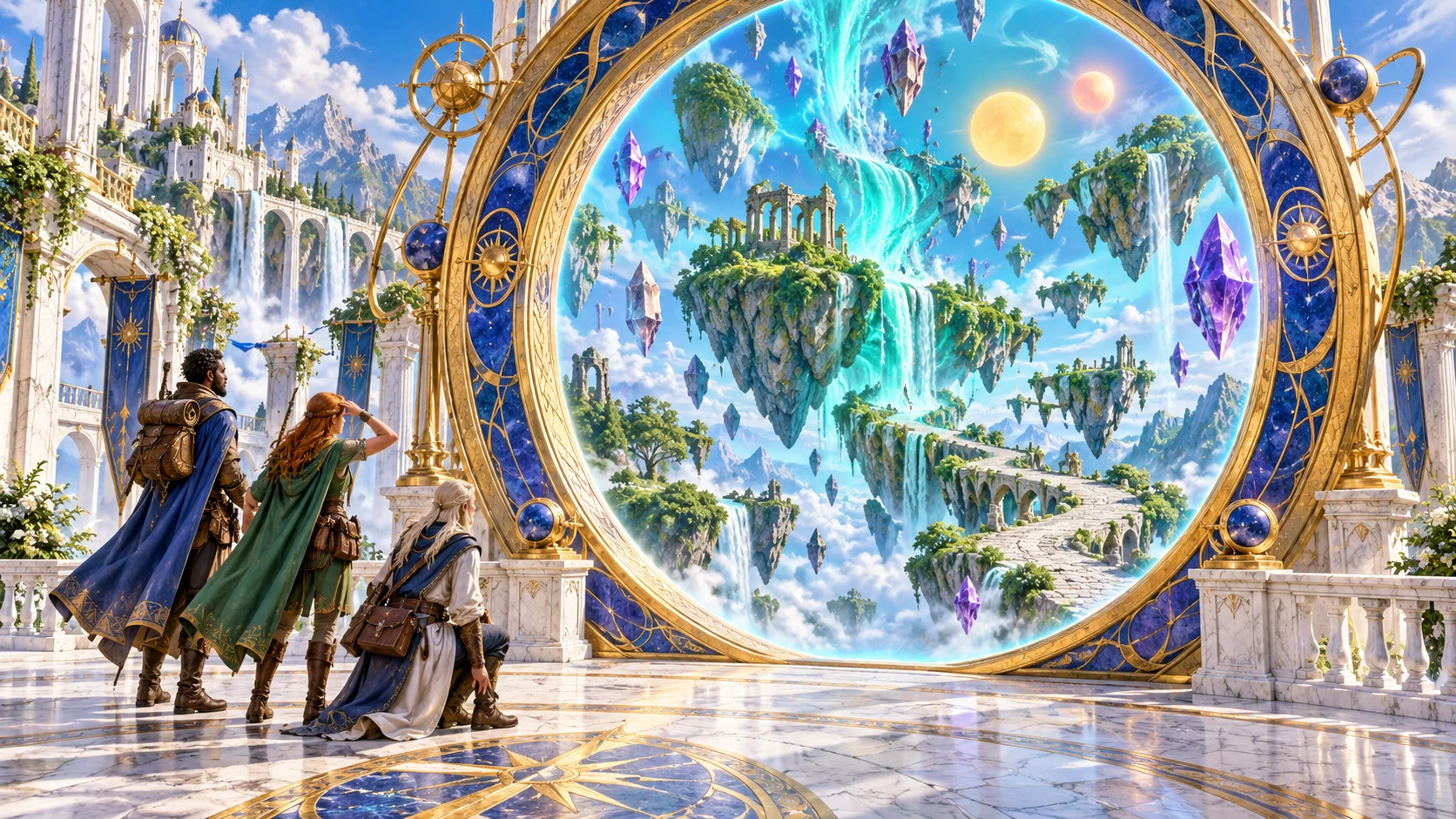
Make wonder usable at the table
Prepare a place or event the party can investigate.
Read appearance, sensory signs and a visible boundary. Decide what the party notices before choosing how the phenomenon affects play.
Review time, gravity, magic and supernatural environmental effects. The dossier provides descriptions for your adjudication.
Read hazards with warning and avoidance suggestions, inhabitants, landmarks, portal hints and resources. Check that they fit your chosen brief.
Review progression stages, countermeasures, hidden causes and ways out. You decide when events advance and what a successful attempt requires.
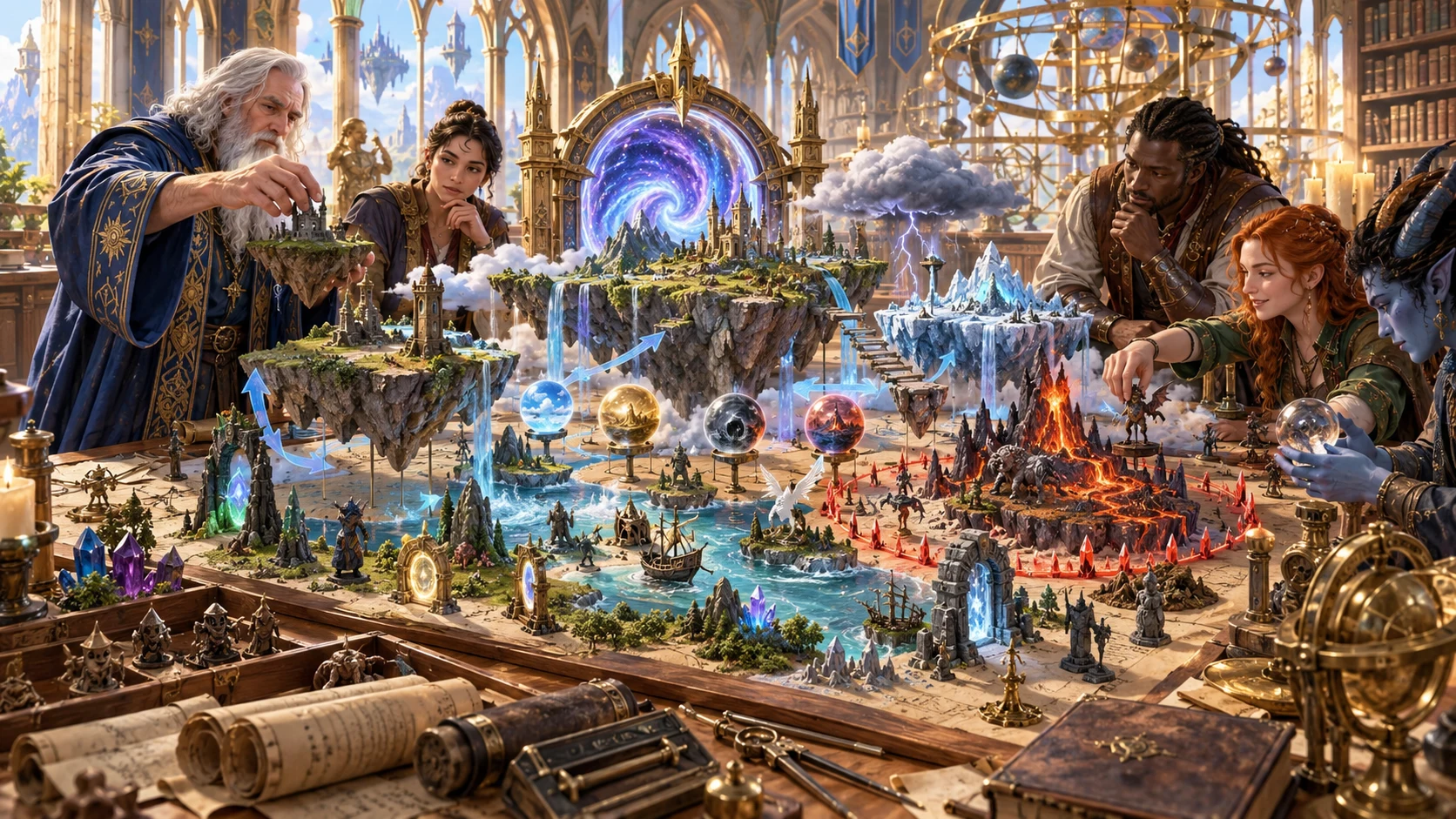
Shape the expedition
Companions arrange floating islands, portals and storm miniatures. This illustration suggests preparation; the product supplies structured descriptions rather than these models.
Set a brief, generate the dossier and review the connections. Save your chosen result before exploring another variation.
From brief to reviewed phenomenon
Prepare the next extraordinary place deliberately.
Start with phenomenon type and danger. Deep exposes the rest of the context; Quick retains those choices while showing a shorter form.
Review origin, manifestations, laws, warnings, inhabitants, portals, progression and escape together. Adapt descriptions to your setting.
Use structured edits or scoped rerolls. Check player observations, encounter context and retained fields against each change.
Save through your existing account. Copy or download the reviewed DM dossier or Player field guide, or prepare a selected Combat PRO scene.
The phenomenon toolkit
Know what is generated, retained and transferred.
Choose a realm, demiplane, portal, storm, magical zone, time or gravity anomaly, cursed region, reality tear or celestial event, then review its dossier.
Set location, theme, danger, duration, scale, stability, portals, time, gravity, magic, supernatural weather, inhabitants, opportunity, spread, control and cause knowledge.
Review appearance, laws, manifestations, hazards, landmarks, opportunities, progression, countermeasures and escape alongside the hidden truth.
Lock or reroll manifestation, laws, inhabitants, progression or encounter preparation. Check retained player observations and related sections after every change.
Use the structured JSON editor and result Undo/Redo. Review the complete dossier yourself; validation checks structure rather than story consistency.
Explicitly Save through your existing Desktop Command Centre session. Search saved phenomena, open prior results or duplicate a separate echo.
Copy or download the full DM dossier or the reviewed Player field guide. Close the editor and inspect Print preview before sharing a printed page.
Send one selected eligible phenomenon scene as saved, inactive encounter context. Combat PRO access, capacity and your choice of opponents remain separate.
Choose your starting point
Specialist presets prepare selected controls for another kind of phenomenon.
Prepare an altered location with boundary signs, unusual laws and portal hints. A full travel network or world framework remains your separate preparation.
Explore arcane storms, wild-magic zones, cursed regions or celestial events. The supernatural descriptions are separate from ordinary weather.
Choose temporal anomalies, gravity changes or a reality tear. Review observable effects and escape suggestions before introducing them.
Prepare duration, spread and stability with descriptive stages. These are authored scenario notes; the product does not advance an autonomous clock.
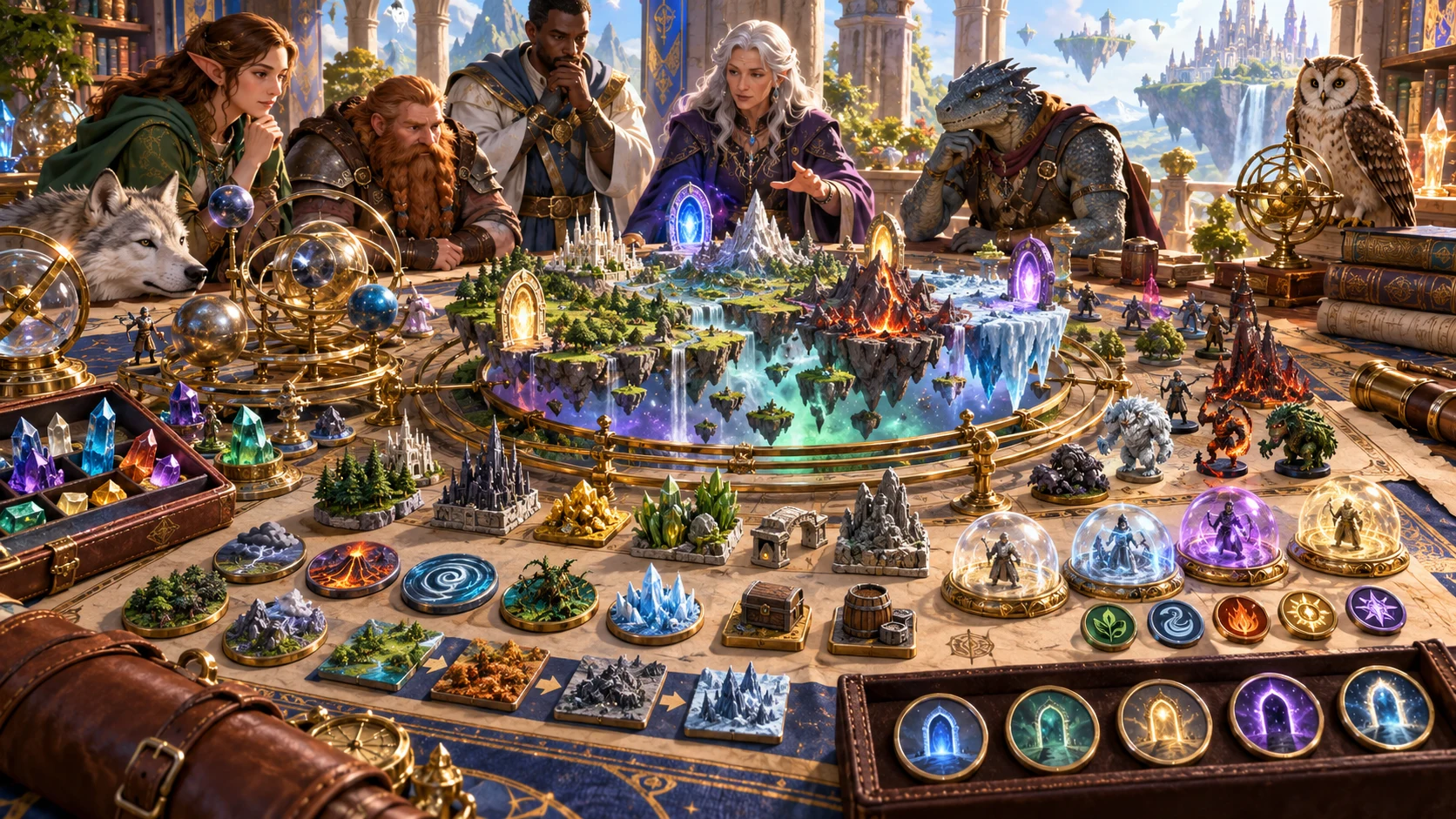
Review the crossing together
A tabletop party studies portals, floating islands and magical terrain. The artwork illustrates a possible adventure, not generated maps or application output.
Use the dossier to prepare signs, hazards, opportunities and a route out. Decide what the party can learn and what stays in the DM view.
Refine without losing the whole
Scoped replacement keeps unrelated data rather than rebuilding every dependency.
Lock manifestation, laws, inhabitants, progression or encounter preparation against a scoped reroll. Full Generate creates another dossier without enforcing those locks.
Player observations, encounter packages, parameters and other sections can remain unchanged after a related reroll. Update or review them before use.
Edit the structured JSON and use result Undo/Redo. Those snapshots restore results rather than form choices, notes or lock toggles.
Generation uses complete choices and an advancing generation step. A seed alone is insufficient for replay; save the dossier you actually want.
Preparation you can judge
Keep descriptive guidance within its actual scope.
Generated audit statements are prompts. Validation checks required structure, not semantic consistency of laws, hazard severity or escape. Review the scenario yourself.
Player JSON contains the selected observation field. Manual edits and related rerolls need a fresh privacy and accuracy review before sharing.
Send selected inactive encounter context through the existing account route. Combat PRO requires its own access and saved capacity; choose appropriate opponents there.
World-scale cosmology, ordinary weather, castable spells, live physics and complete portal networks are separate preparation. This product does not automatically run a campaign or fight.
Choose access for your toolkit
Begin with a free VISINVOKE account, then review the required selection and subscription.
Select Planar & Arcane Phenomena Generator individually. Creating a free account does not by itself include paid generator access.
Choose five eligible standalone generators. Review tools and terms in your account; a selection pack does not include every VISINVOKE product.
Choose more capacity when it suits your toolkit. Review actual tools and reselection terms before changing your subscription.
Combat PRO and linked image products retain their own access requirements. Generator access does not include every related product.

Save the current dossier through your existing DCC account. Confirm success before closing; there is no autosave or automatic multi-window reconciliation.
Revisit limited prior results or duplicate a separate identity. The same seed retains the same identity, so another Save can version that record.
Find saved phenomena by name, type, danger, stability or notes. Review the current notes before another Save or Duplicate as echo.
Choose the DM or Player view before export. Close the editor and inspect Print preview, which can include preparation context as well as the chosen view.
A repeated Combat PRO import identifies the previously saved scene. It does not automatically update that scene after later dossier changes.
Build your tabletop toolkit
Each card opens its own public website. Review purpose and access separately; links do not promise included access or automatic synchronisation.
Discover and open your supported Windows products through one connected VISINVOKE account.

Explore environment packs for tactical locations and the places your encounters unfold.
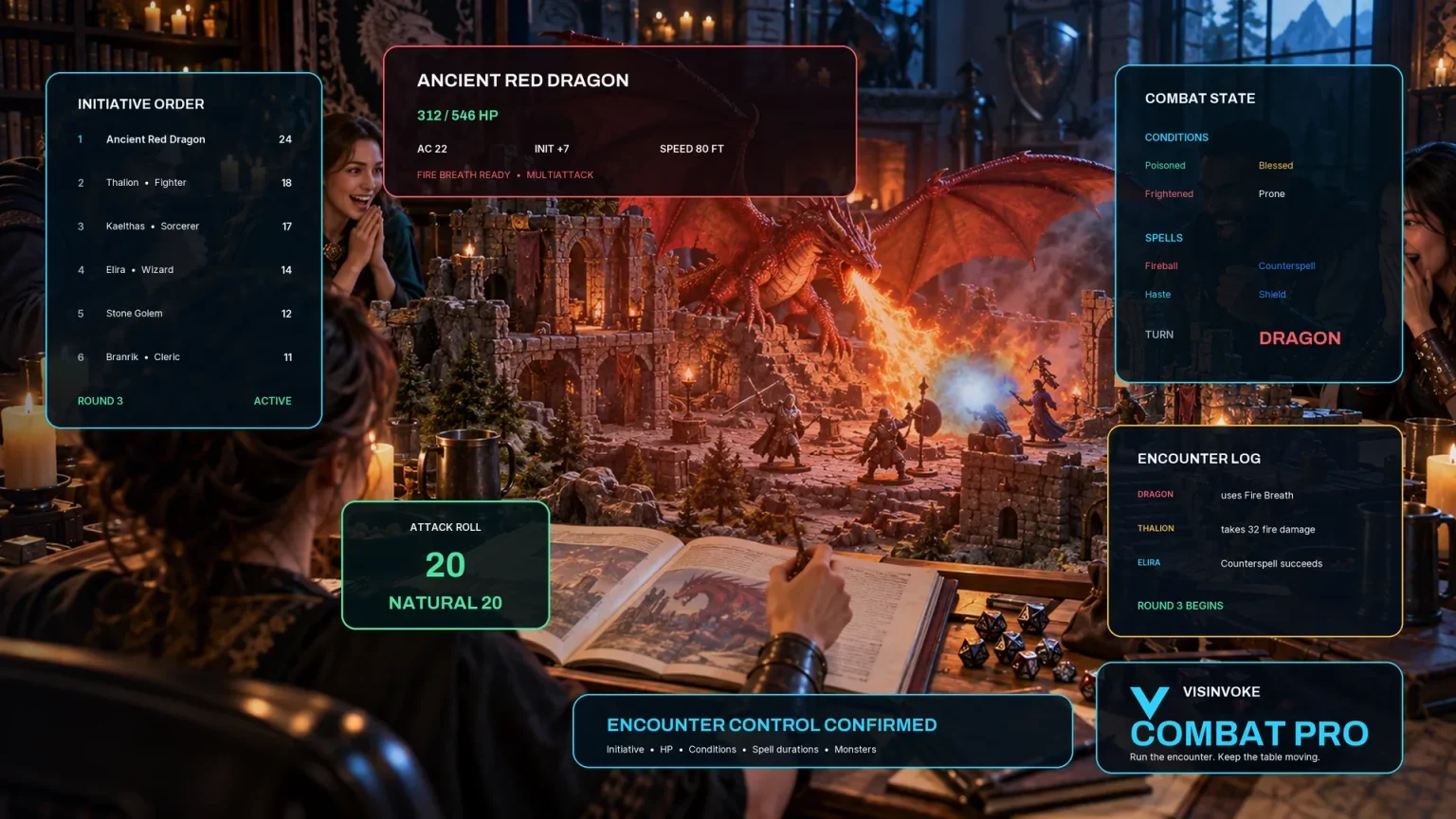
Prepare opposition and run tabletop encounters through a separate product with its own access.
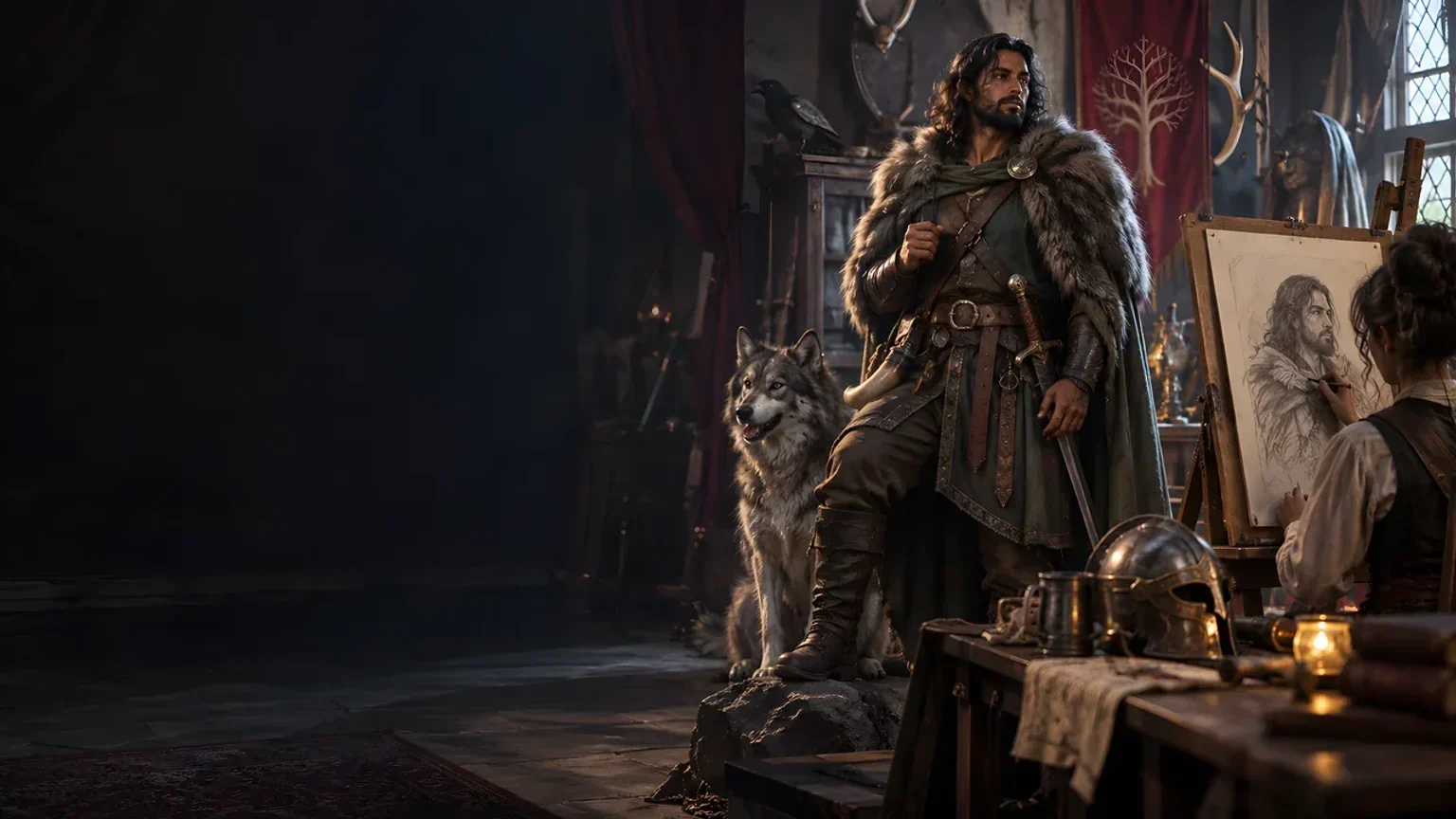
Create focused character, monster, item and location images to complement your tabletop preparation.
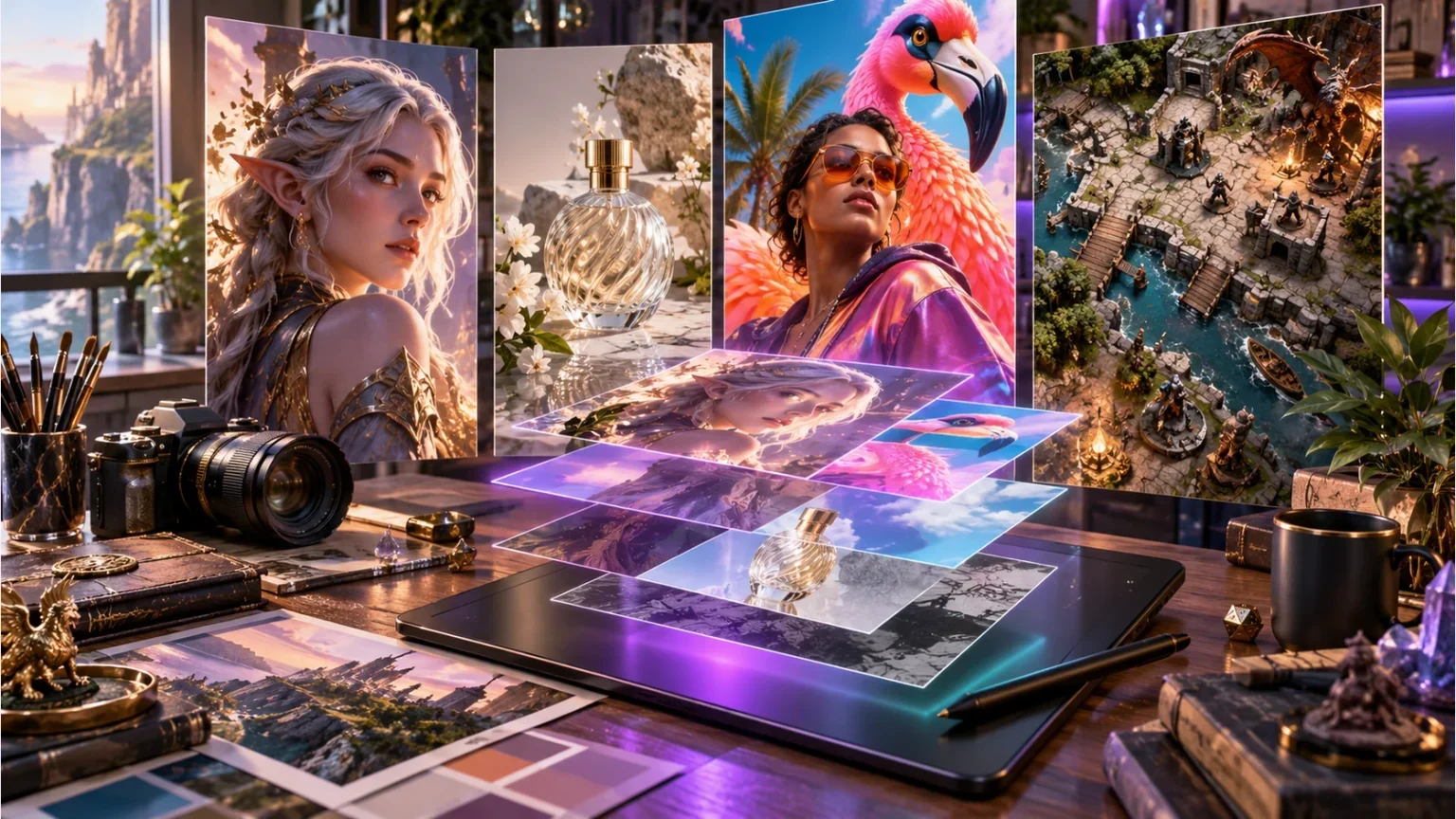
Create guided commercial visuals for websites, brochures and wider creative projects.

Explore a separate futuristic RPG experience with its own world, characters and progression.
Product artwork illustrates altered-reality preparation, not application screens or actual generated image output.
Quick answers
Understand the current workflow before opening the tool.
Quick shows phenomenon type and danger while keeping the rest of the current form choices. Deep exposes location, theme, duration, scale, stability, portals, time, gravity, magic, supernatural weather, inhabitants, opportunity, spread, control and cause knowledge. Specialist presets change selected controls rather than resetting everything. Fresh workspace restores defaults. The output is descriptive preparation data; a choice such as no inhabitants or no portal does not automatically remove every related template hint. Review the complete dossier before play.
A seed alone is insufficient. Generation also depends on the complete choices, generation step and reroll group; the step advances when you generate again. The same seed retains the same result identity, so saving another result can create a new version of that record. Save the result you want, or Duplicate as echo for a separate record. Opening saved or prior results restores the dossier and saved notes, not the form choices or generation step. Fresh workspace resets the working brief while keeping your account library.
Locks prevent a selected scoped reroll; they do not constrain full Generate. Each reroll replaces only its bounded group while retaining identity, origin and unrelated fields. Player observations, encounter packages and other dependent sections can remain unchanged after a related reroll. Review them against the revised dossier. Generated audit statements are preparation prompts. Validation checks required structure and prohibited live-state text, not semantic consistency of laws, danger or escape. Structured edits need the same review. Undo and Redo restore result snapshots, not controls, notes or lock toggles.
Save is explicit through the account already active in Desktop Command Centre, with required generator access. It stores the product library and keeps limited prior results when the same identity is saved again. Search by name, type, danger, stability or notes; open an earlier result and Save to keep it again. Duplicate as echo gives a separate identity. Review the current notes before saving or duplicating, since that input can carry across results. There is no autosave or automatic reconciliation between open windows; avoid editing the same library in multiple windows.
A newly generated Player field guide contains observed signs and questions separately from DM origin, secrets and resolution costs. Copy and JSON download export exactly the selected audience view. They do not automatically redact manual edits or refresh observations after other scoped rerolls. Review the field guide before sharing. Print uses the current page, so the result heading, preparation controls or an open structured editor can appear as well. Close the editor and inspect Print preview; reviewed Player JSON provides the narrower export.
Select one eligible boundary-incursion or anchor-defence scene. The product prepares supported zones, environmental context, described hazards, disabled triggers, visibility or movement notes and an objective in a saved Standard encounter. Choose appropriate owned opponents in Combat PRO; full stat blocks are not generated here. The route requires Combat PRO access and available saved capacity, and it leaves active combat unchanged. Repeating the same result-identity and scene reports an existing import; it does not update that prior scene automatically. Full laws, secrets, progression and portal networks stay in the phenomenon dossier.
Continue in VISINVOKE
Create a free VISINVOKE account and choose required standalone access.
Get Desktop Command Centre from your account installer page. Sign in on Windows, then open Planar & Arcane Phenomena Generator.